








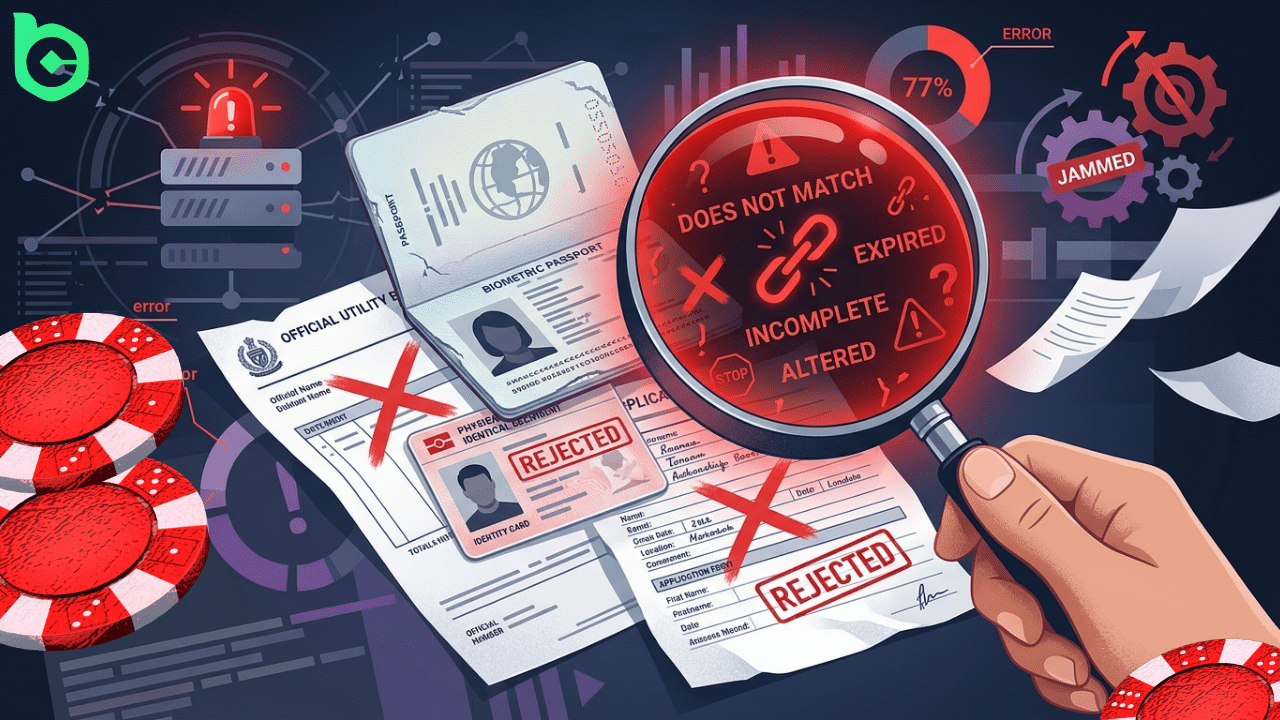
Experiencing a BC.GAME kyc failed message can be frustrating, especially when you are trying to withdraw funds or verify your account. The good news is that most verification problems have clear causes and simple solutions. This guide explains why bc.game verification failed errors occur, how to resolve them, and when it is best to learn more through official support resources.
BC.GAME KYC Rejected: Common Reasons Why This Happens
When a BC.GAME kyc rejected notification appears, it usually means the submitted verification details didn’t meet the platform’s requirements. Common causes include unclear identity documents, mismatched personal information, expired IDs, or screenshots instead of original photos.
Sometimes players also encounter a BC.GAME verification failed notice if documents are cropped, poorly lit, or edited. Verification systems are designed to detect inconsistencies to maintain security and compliance standards. Ensuring that all uploaded documents are clear, valid, and match your registered account details greatly improves the chances of successful approval.
Security and Account Protection Checks
BC.GAME performs strict monitoring procedures to protect both users and the platform. If suspicious patterns or inconsistencies appear during verification, a BC.GAME kyc failed response may be triggered automatically.
These checks help prevent fraud, duplicate accounts, and unauthorized withdrawals. While this may temporarily block verification, it ultimately protects legitimate users. Submitting accurate information and genuine identification documents ensures that security filters recognize your account as legitimate.
BC.GAME Verification Failed – How To Fix Step By Step
If you encounter a BC.GAME verification failed error, there are several steps you can take to resolve the issue quickly. Carefully reviewing your submission before uploading documents often prevents repeated problems with BC.GAME kyc rejected messages.
- Double-check that your name, birth date, and address match your account details.
- Upload clear, high-resolution photos of your identity document.
- Avoid editing, cropping, or covering any parts of the document.
- Make sure the document is valid and not expired.
- Retake photos in good lighting so all details are visible.
- Submit the documents again through the verification section.
Following these steps typically resolves most BC.GAME kyc failed issues without needing further assistance.
When to Contact BC.GAME Support
If your BC.GAME kyc rejected status continues even after resubmitting valid documents, contacting support is recommended. Prepare screenshots, the exact verification error message, and the documents you attempted to upload. Providing this information helps the support team review your BC.GAME verification failed case faster.
FAQ
Why does BC.GAME say my KYC verification failed?
This usually happens when the submitted documents are unclear, expired, or contain information that doesn’t match the account details. A BC.GAME verification failed notice can also appear if photos are cropped, edited, or taken in poor lighting.
How long does BC.GAME KYC verification take?
Most verification checks are completed within a few hours to a couple of days depending on the review queue. If your BC.GAME kyc failed or was rejected, additional time may be required after resubmitting correct documents.
Can I withdraw if my BC.GAME KYC was rejected?
No, withdrawals typically require successful identity verification before processing. If you see a BC.GAME kyc rejected message, you must correct the document issues and resubmit verification before accessing withdrawal features.
Need Further Assistance?
If your issue is still not resolved after following the steps above, you can submit a request through the official Complaint Resolution system.
Visit the Complaint Resolution Center to:
- Submit your case with all required details and supporting documents
- Track the status of your request
- Receive a detailed review from the support team
To avoid delays, make sure your submission is complete and accurate.