









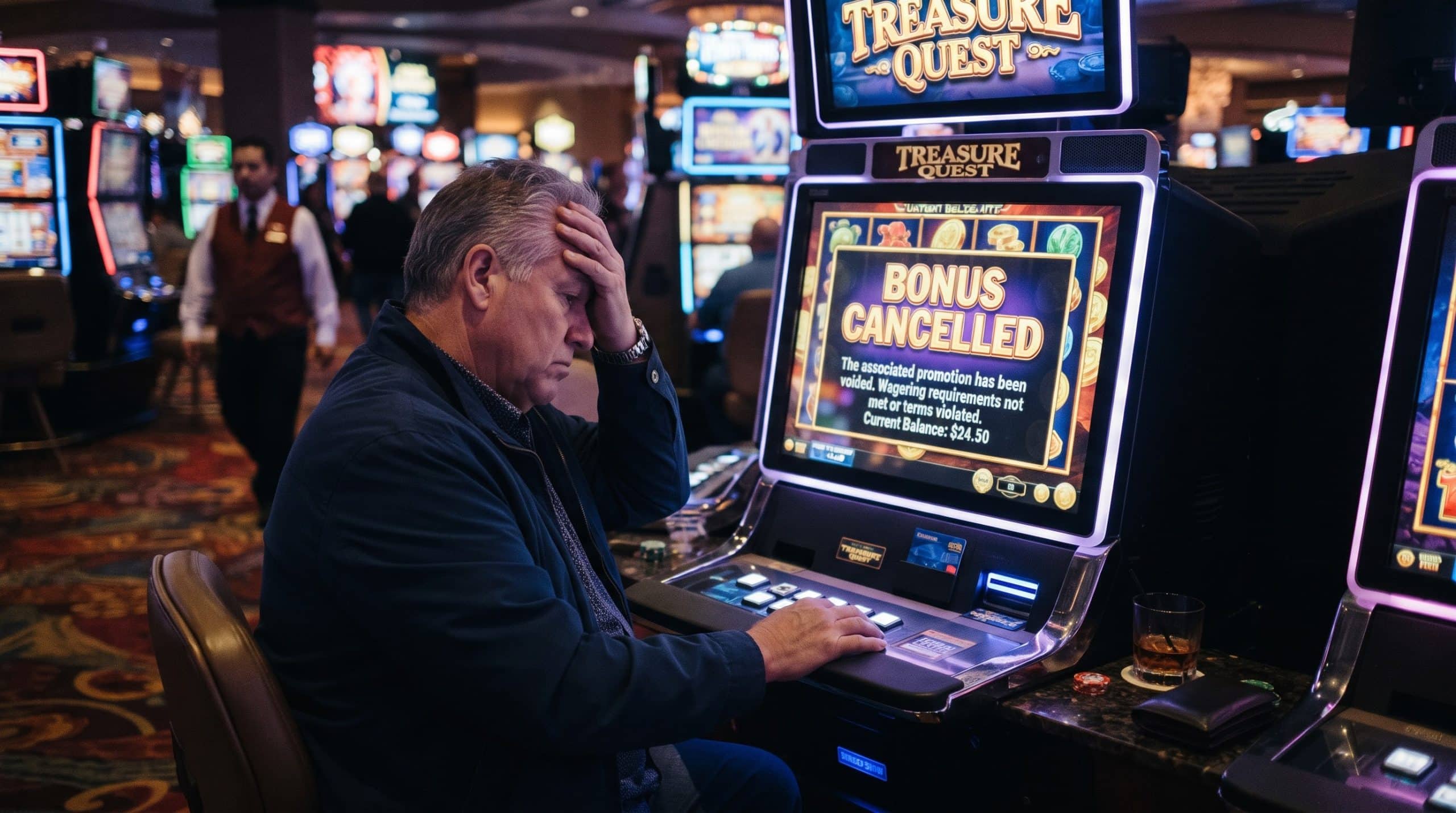
Seeing a BC.GAME bonus cancelled notification can be confusing, especially if you were planning to use the promotion while playing. In most cases, this situation has a clear explanation and can be resolved quickly. This guide explains why a BC.GAME bonus removed message may appear and what steps you can take to fix it. If you need additional details, you can always learn more about account issues and platform policies through the official support center.
BC.GAME Bonus Cancelled: Why Does It Happen?
A BC.GAME bonus cancelled message usually appears when certain promotional conditions are not met. Most bonuses come with specific terms, such as wagering requirements, time limits, or restrictions on eligible games. If any of these conditions are violated, the system may automatically cancel the reward.
Another common reason for a BC.GAME bonus removed status is account-related activity. For example, using multiple accounts, attempting to withdraw before meeting wagering rules, or activating overlapping promotions may trigger automatic removal. In some cases, the bonus may also expire if the required gameplay activity isn’t completed within the promotion’s validity period. Understanding the promotion’s rules beforehand can help prevent this issue.
BC.GAME Bonus Removed: How To Fix Step By Step
If you notice that your BC.GAME bonus removed notification appears unexpectedly, there are several practical steps you can take to understand and potentially resolve the issue.
- Review the bonus terms and conditions associated with the promotion.
- Check whether the wagering requirement or time limit has expired.
- Confirm that you used eligible games and did not switch between restricted ones.
- Verify that your account follows all platform rules, including single-account policies.
- Look at your bonus history to see when the BC.GAME bonus cancelled status was applied.
Taking a few minutes to verify these details often reveals the cause. Many players discover that the issue results from an overlooked rule rather than a system error.
When to Contact BC.GAME Support
If you have checked the promotion terms and still cannot determine why your BC.GAME bonus cancelled notification appeared, contacting support may be the best option. Prepare useful information such as your account ID, the promotion name, and the time the BC.GAME bonus removed message appeared. Providing these details helps the BC.GAME team review your case and respond more efficiently.
Need Further Assistance?
If your issue is still not resolved after following the steps above, you can submit a request through the official Complaint Resolution system.
Visit the Complaint Resolution Center to:
- Submit your case with all required details and supporting documents
- Track the status of your request
- Receive a detailed review from the support team
To avoid delays, make sure your submission is complete and accurate.