










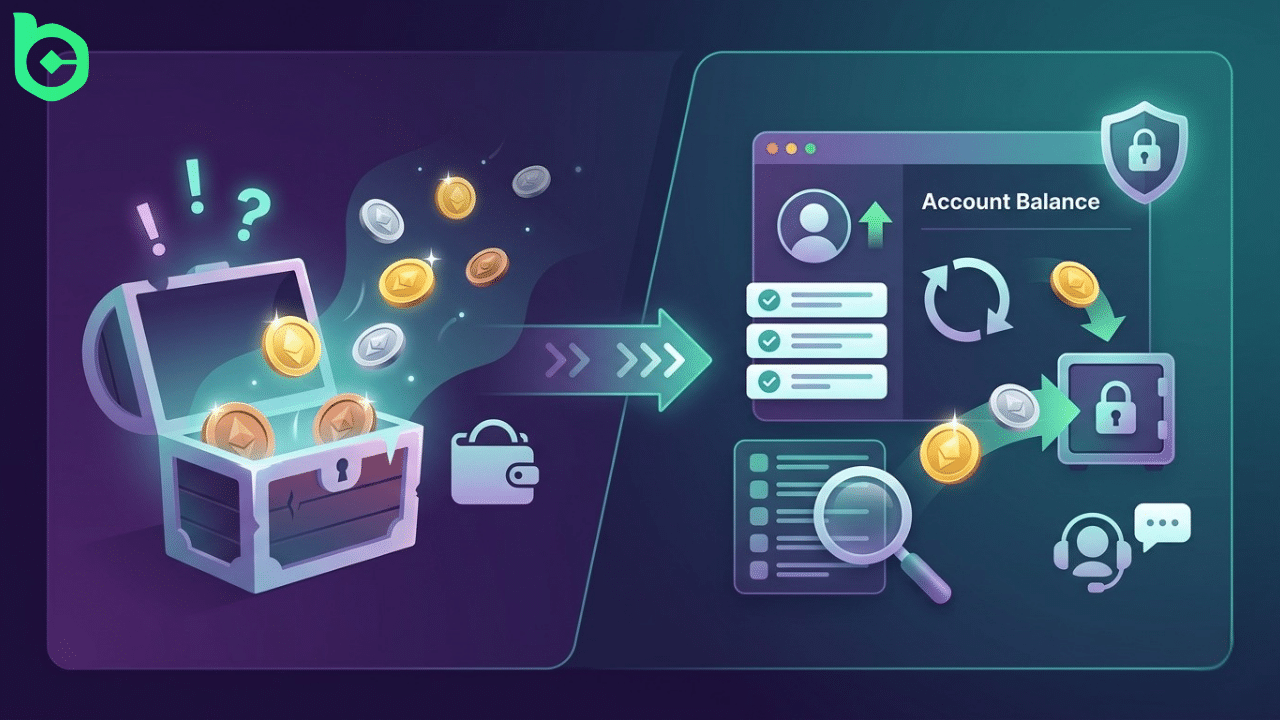
Seeing BC.GAME funds missing from your account can be alarming, especially if you believe nothing unusual occurred. In most cases, however, there is a clear explanation behind a bc.game missing balance situation. This guide explains the most common reasons funds appear to disappear and outlines practical solutions, including when to contact support. If you want to learn more about platform policies, official help resources are also available.
BC.GAME Money Disappeared: Common Reasons Why This Happens
When users report bc.game money disappeared or BC.GAME funds disappeared from account, the issue is often linked to normal platform processes. Transactions may still be pending on the blockchain, wagers may still be settling, or bonuses may have wagering requirements affecting balances.
Another common cause involves wallet transfers between internal BC.GAME wallets or temporary system synchronization delays. In some cases, players may also overlook active bets or automated gameplay that deducted the balance. Understanding these possibilities usually resolves confusion about a BC.GAME missing balance before assuming a serious issue.
Security and Account Protection Checks
To protect users, BC.GAME continuously monitors accounts for suspicious behavior. If unusual activity is detected, temporary checks may affect withdrawals or available balances. This security process sometimes leads players to believe BC.GAME funds deducted without explanation, but these reviews help prevent fraud or unauthorized access.
Verification checks, withdrawal confirmations, and risk control systems ensure that accounts remain secure. While these procedures may briefly delay transactions, they ultimately safeguard players and their funds.
BC.GAME Funds Missing After Withdrawal – How To Fix Step By Step
If you notice BC.GAME funds missing after withdrawal, start by checking your transaction history and wallet activity. Many issues can be resolved quickly by reviewing recent actions on the platform.
- Check your bet history to confirm no active or recently settled wagers deducted funds.
- Review blockchain transaction status for pending withdrawals.
- Confirm whether funds were moved between internal wallets.
- Verify if bonuses or wagering requirements affected the balance.
- Refresh your account or log out and back in to update the displayed balance.
Following these steps often clarifies why bc.game money stolen concerns arise when the issue is actually related to pending transactions or account activity.
When to Contact BC.GAME Support
If you still believe BC.GAME funds disappeared from account without explanation after checking your history and wallet activity, it’s best to contact support. Prepare details such as your username, transaction IDs, timestamps, and screenshots showing the BC.GAME missing balance to help the support team investigate quickly.
FAQ
Why are my BC.GAME funds missing?
Most cases of BC.GAME funds missing are caused by pending transactions, active bets, or wallet transfers. Reviewing your bet history, transaction records, and blockchain confirmations usually reveals where the balance moved or why it has not yet appeared.
Can BC.GAME funds disappear due to security checks?
Yes, temporary security checks may affect visible balances or withdrawals. These reviews are triggered by unusual activity and are designed to protect player accounts from unauthorized access or fraudulent transactions.
What should I do if I think BC.GAME money was stolen?
First review your account activity and withdrawal history before assuming funds were stolen. If you still suspect a problem after checking everything, contact support with transaction details so the team can investigate the BC.GAME money disappeared issue properly.
Need Further Assistance?
If your issue is still not resolved after following the steps above, you can submit a request through the official Complaint Resolution system.
Visit the Complaint Resolution Center to:
- Submit your case with all required details and supporting documents
- Track the status of your request
- Receive a detailed review from the support team
To avoid delays, make sure your submission is complete and accurate.