










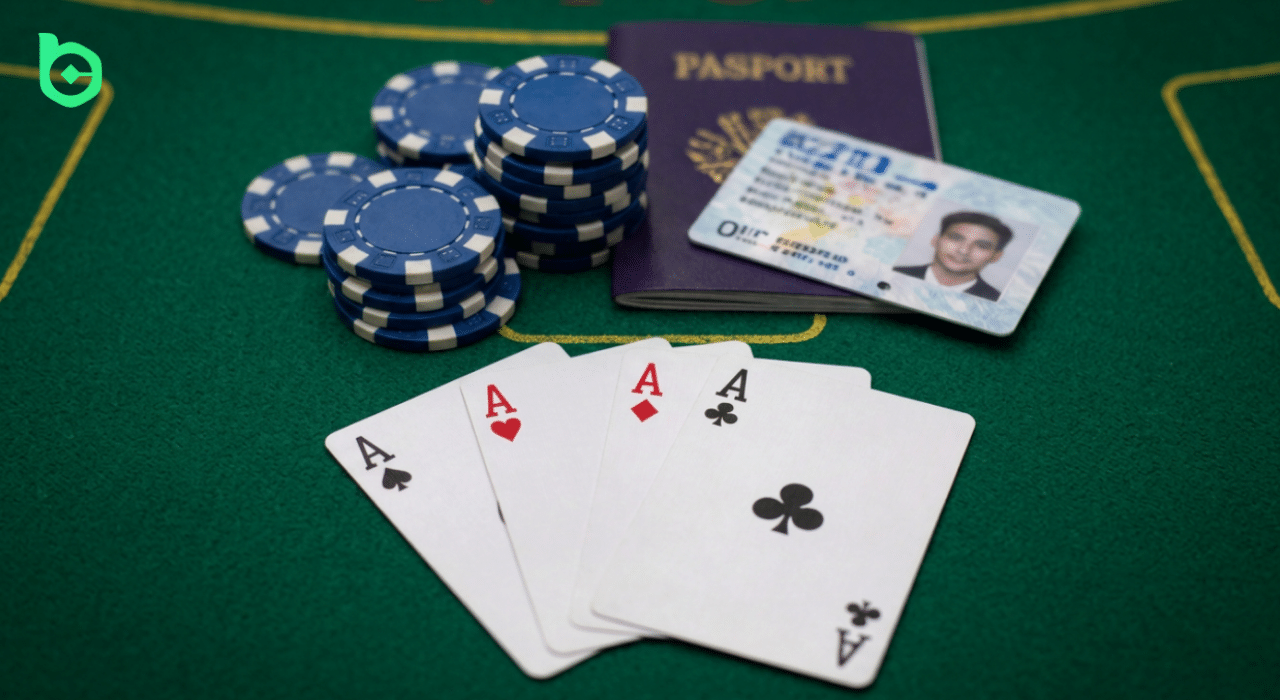
Seeing the message BC.GAME kyc verification required can be confusing, especially if you are eager to start playing or withdraw funds. In most cases, it is simply a standard security procedure. This guide explains why the verification request appears and how you can resolve it quickly. If you want additional platform guidance, you can always learn more directly through the official BC.GAME help center.
BC.GAME Kyc Verification Required: Why Does It Happen?
The notification BC.GAME kyc verification required usually appears when the platform needs to confirm a player’s identity. Like many regulated crypto casinos, BC.GAME uses Know Your Customer (KYC) checks to prevent fraud, protect user accounts, and comply with international security standards.
Common triggers include large withdrawals, unusual account activity, or incomplete profile information. In some cases, random security checks may also activate the process. When BC.GAME KYC verification required appears, it does not mean your account is restricted permanently—it simply means the platform needs confirmation that you are the legitimate account holder before continuing with certain actions.
BC.GAME Kyc Verification Required – How To Fix Step By Step
If you encounter the BC.GAME kyc verification required notice, the solution is usually straightforward. Completing identity verification only takes a few minutes if you prepare the required documents in advance.
Follow these steps to resolve the issue:
- Log in to your BC.GAME account and open your profile or verification settings.
- Locate the KYC verification section and start the identity verification process.
- Upload a clear photo of a valid government-issued ID (passport, ID card, or driver’s license).
- Provide a selfie or live verification image if requested.
- Submit the documents and wait for confirmation from the platform.
Once the review is complete, the BC.GAME kyc verification required message typically disappears, allowing you to continue playing, depositing, or withdrawing funds without restrictions.
When to Contact BC.GAME Support
If the BC.GAME kyc verification required notice remains after you have submitted your documents, it may indicate a verification delay or missing information. Contacting support is recommended if the review takes unusually long. Prepare your account email, verification screenshots, and submitted ID details so the BC.Game support team can resolve the issue faster.
Need Further Assistance?
If your issue is still not resolved after following the steps above, you can submit a request through the official Complaint Resolution system.
Visit the Complaint Resolution Center to:
- Submit your case with all required details and supporting documents
- Track the status of your request
- Receive a detailed review from the support team
To avoid delays, make sure your submission is complete and accurate.